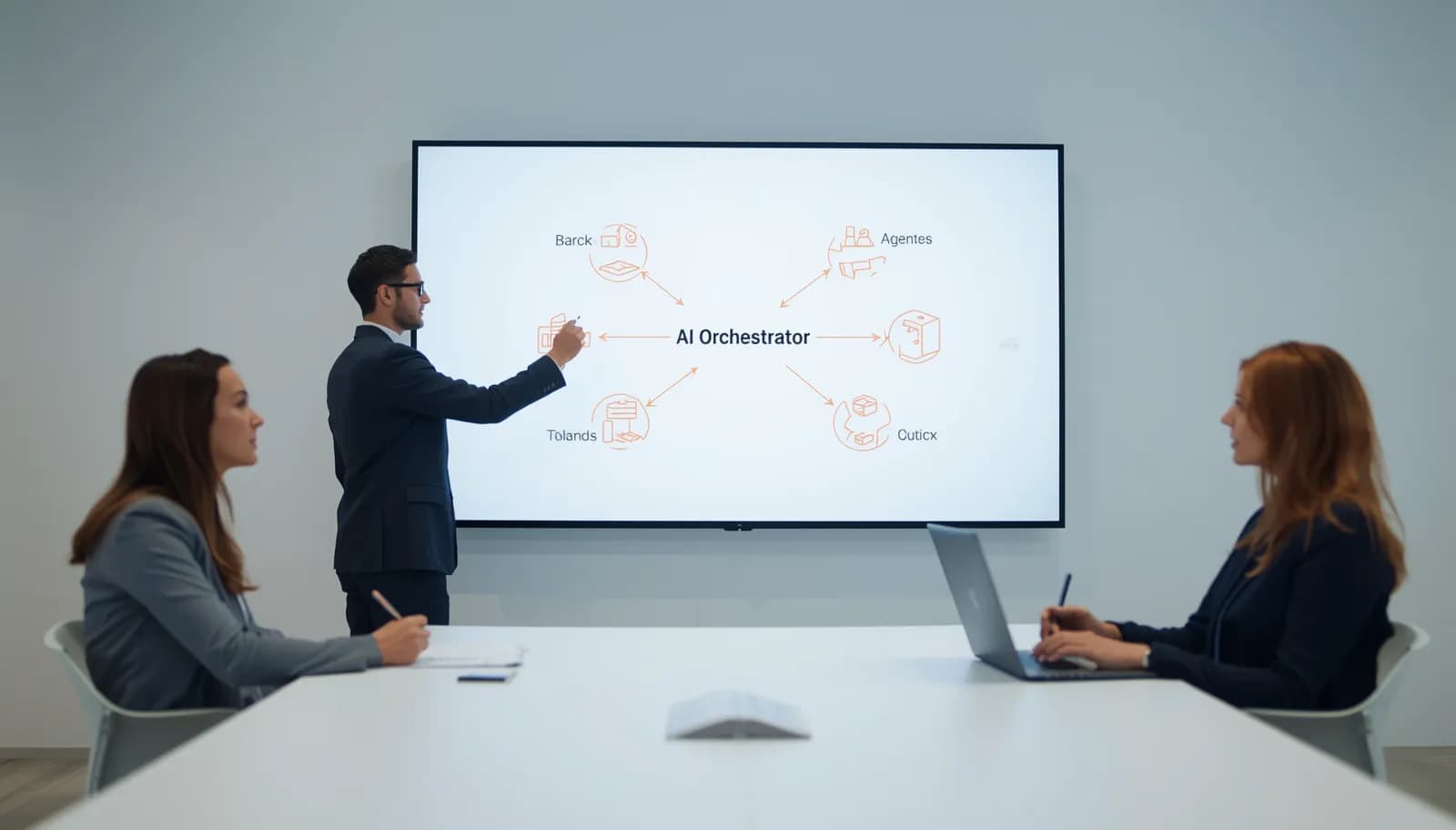
AI Agent Architecture Examples: Multi-Agent Systems for B2B SaaS
Multi-agent architecture splits AI work across specialized agents under a coordinator. We compare it with single-agent designs, explain the main patterns and coordination methods for B2B SaaS, and walk through real AI agent architecture examples.
Multi-agent architecture splits an AI system into several specialized agents, each with its own prompt and tools, plus a coordination layer that decides who does what and what happens when a step fails. Use it when the job looks like a team of specialists handing work to each other. Stay with a single agent when one agent with a handful of tools can do the job.
This guide is for owners and product or operations leads at US small and mid-sized B2B software businesses deciding how to structure an AI agent system. It covers single vs multi-agent architecture, the three common patterns, how agents coordinate, and AI agent architecture examples from a public system and from two projects in our portfolio: a research assistant for a pharma consulting firm and an invoice automation platform for a manufacturer.
What Is Multi-Agent Architecture?
Multi-agent architecture is a way of building AI software where several AI agents, each responsible for one part of a task, work together under a coordinator. Each agent has its own instructions, tools and data access. The coordinator routes work between them, combines their outputs, and handles retries, failures and handoffs to people.
What Counts as an AI Agent
An AI agent is software that can:
- Perceive its environment (receive inputs, read data)
- Decide what to do (reasoning, planning)
- Act on its decisions (call APIs, update databases, send messages)
- Learn from outcomes (feedback loops, evaluation, prompt and rule updates)
The difference between a chatbot and an agent is autonomy. A chatbot responds to prompts. An agent takes initiative, manages multi-step workflows, and handles branching logic.
Single-Agent vs Multi-Agent Architecture
A single-agent architecture gives one agent one prompt, one set of tools and one memory. It handles the whole task from start to finish. A multi-agent architecture splits the work across several specialized agents and adds a coordination layer that decides who does what, in what order, and what happens when a step fails.
The trade-off is simple. More agents give you focus, isolation and parallel work. They also give you more moving parts to test, monitor and pay for.
| Factor | Single agent | Multi-agent |
|---|---|---|
| Best for | One primary task with a clear, linear flow | Several distinct task types, or steps that need different tools or models |
| Prompt and tools | One prompt and one shared tool set | A focused prompt and a small tool set per agent |
| Failures | A failure affects the whole request | A failure stays inside one agent and can be retried on its own |
| Speed | One call chain with the lowest overhead | Extra hops between agents, but independent steps can run in parallel |
| Testing | One component to test | Each agent, plus the handoffs between them |
| Running cost | Lower and easier to predict | Higher, since each extra agent adds model calls and tokens |
A useful rule: if you can describe the job in one sentence, and one person could do it with a handful of tools, start with a single agent. If the job looks like a team of specialists handing work to each other, a multi-agent design will usually be easier to keep accurate as it grows.
Not every workflow needs agents at all. If the steps are fixed and predictable, simpler AI automation services are often enough. And if an off-the-shelf tool already covers your workflow, use it. Custom agent architecture pays off when the workflow, data or integrations are specific to your business. If you're not sure which camp you're in, an AI consulting session can map it out.
Single-Agent Architecture
Single-agent architecture is where most AI products start, and many should stay there. One agent receives the input, reasons about it, calls the tools it has been given, and returns a result. It is cheaper to run, easier to test and easier to explain to the people who rely on it. It stops being enough when one prompt has to cover jobs that pull in different directions, or when one tool list grows so long that the agent starts picking the wrong tool.
When to Use a Single Agent
- Your product has one primary AI function
- The workflow is linear (input → process → output)
- You're building a first version and still learning what users need
- Volume is modest and one agent keeps up with it comfortably
Single-Agent Pattern
User Input
    ↓
Preprocessing (validation, context enrichment)
    ↓
Agent Core
├── System Prompt (role, constraints, output format)
├── Tools (API calls, database queries, calculations)
├── Memory (conversation history, user context)
└── RAG (knowledge retrieval if needed)
    ↓
Postprocessing (formatting, safety checks, logging)
    ↓
Output
Example: A Front Desk Agent
A front desk agent that answers inbound leads is a good single-agent job:
- Perceives: An inbound message on the web, by email or on WhatsApp
- Decides: Is this a qualified lead? What information do they need? Should it book a meeting?
- Acts: Asks the qualifying questions you choose, books a meeting in the CRM calendar, and hands off to a person when needed
- Learns: Your team reviews conversations and adjusts the questions and rules over time
One agent, a few tools, a clear workflow. There is no need for multi-agent complexity.
Multi-Agent Architecture Patterns
Multi-agent architecture patterns describe the shape of the system: how work enters, which agents touch it, and in what order. Three patterns cover most B2B software: a router that sends each request to the right specialist, a pipeline where each agent adds to the previous one's output, and a collaborative setup where agents work in parallel on a shared record. Many real systems combine two of them, for example a router in front of several small pipelines.
When to Use Multiple Agents
- Your product handles fundamentally different task types
- Different tasks need different models, tools, or knowledge bases
- Reliability requires task isolation (one agent's failure shouldn't crash another)
- You need parallel processing for speed
- Your workflow has complex branching logic
Pattern 1: Router Architecture
The simplest multi-agent pattern. A router agent classifies the input and sends it to a specialized agent.
Incoming Request
    ↓
Router Agent (intent classification)
    ↓
┌─────────────────────────────────────────┐
│                                         │
▼              ▼              ▼           ▼
Knowledge   Orders Agent   Billing Agent  Escalation Agent
(RAG)       (API tools)    (API tools)    (human handoff)
│              │              │           │
└──────────────┴──────────────┴───────────┘
    ↓
Response Formatter → Output
Example: an internal operations inbox. The router reads each request and picks a specialist. A knowledge agent answers policy questions from your documents with retrieval. An orders agent looks up order and shipment records. A billing agent checks account status and invoices. An escalation agent writes a short summary and routes the request to a person with the full history. Each specialist can use the model that fits its job: a small, fast model for simple lookups, a stronger one where the reasoning is harder.
Pattern 2: Pipeline Architecture
Agents process work in sequence, each adding to the output of the previous agent.
Document Upload
    ↓
Extraction Agent (pull key data from document)
    ↓
Validation Agent (check extracted data against rules)
    ↓
Enrichment Agent (add context from other systems)
    ↓
Decision Agent (make recommendation based on complete data)
    ↓
Action Agent (execute the approved action)
Example: an accounts payable flow built as agents could look like this:
- Extraction: pulls line items, amounts and vendor details from each invoice
- Matching: compares the invoice with purchase orders and receipts
- Compliance: checks spending policies, approval thresholds and duplicates
- Routing: sends the invoice to the right approver
- Execution: writes the approved record back to the ERP
Each agent has a focused task, specific tools, and clear success criteria. If matching fails, only that step retries, not the entire pipeline.
Pattern 3: Collaborative Architecture
Multiple agents work in parallel and share information through a shared workspace.
Hiring Manager Request
    ↓
Orchestrator
    ↓
┌───────────────────────────────────────────┐
│ Shared Workspace (candidate profile)       │
├───────────────────────────────────────────┤
│                                           │
│  CV Screening Agent ↔ Scheduling Agent   │
│       ↕                      ↕            │
│  Assessment Agent  ↔  Comms Agent        │
│                                           │
└───────────────────────────────────────────┘
    ↓
Orchestrator (synthesize, decide, act)
Example: a hiring workflow split into collaborating agents:
- Screening agent: evaluates resumes against the role's criteria and scores candidates
- Scheduling agent: manages interview calendars and handles rescheduling
- Assessment agent: drafts interview questions based on the role and the candidate profile
- Communication agent: sends status updates and decision emails in your voice
These agents share a candidate profile. When the screening agent scores a candidate highly, the scheduling agent is triggered to book an interview while the communication agent sends a confirmation.
The Orchestration Layer
The orchestration layer is the part of a multi-agent system that decides which agent runs, in what order, and what happens with the results. It routes inputs, runs agents in parallel or in sequence, merges outputs, retries or escalates failures, and tracks the state of long workflows. In any multi-agent system it is the most critical component, because a weak orchestrator makes even good agents look unreliable.
What the Orchestrator Does
- Routes: Determines which agent or agents should handle the input
- Coordinates: Manages agent execution order (parallel vs. sequential)
- Synthesizes: Combines outputs from multiple agents
- Handles failures: Retries, fallbacks, and escalation when agents fail
- Manages state: Tracks workflow progress across multi-step processes
Orchestration Strategies
LLM-based orchestration: The orchestrator itself is an LLM that decides routing and coordination. Flexible, but slower and more expensive.
Rule-based orchestration: Hardcoded routing logic based on classification results. Faster and cheaper, but less flexible.
Hybrid (what we usually recommend): rule-based routing for the common, well-understood paths, and LLM-based routing for the ambiguous cases. You get speed and predictability where the traffic is routine, and flexibility where it isn't.
How Agents Coordinate in Multi-Agent B2B SaaS Systems
Router, pipeline and collaborative describe the shape of the system. Coordination describes how agents actually pass work, share state and stay within limits. There are five common methods: supervisor and workers, handoffs, shared state, events, and hierarchical teams. In B2B SaaS, this layer also has to respect tenants, permissions and audit needs, which is where most of the real engineering work sits.
1. Supervisor and Workers
A supervisor agent breaks a request into subtasks, hands them to worker agents, and merges the results. Workers never talk to each other directly. This keeps control flow in one place, which makes it easy to log and debug. It suits research, reporting and any task where the number of subtasks is only known at run time.
2. Handoffs
One agent finishes its part and passes control, plus a structured summary, to the next agent. The router above is a simple version of this: it hands a request to the billing agent along with the intent and account details it has already found. A billing agent that hits a case it can't resolve could pass it to the escalation agent the same way. What matters is what travels with the handoff. Pass the facts the next agent needs instead of the entire conversation, or context grows and quality drops.
3. Shared State (Blackboard)
Agents read and write a shared record, such as the candidate profile in the hiring example. Agents react when fields change. Use versioned writes or row locks so two agents don't overwrite each other, and give each field one clear owner.
4. Event-Driven Coordination
Agents subscribe to events on a queue or bus (for example "invoice.extracted" or "candidate.scored") and act when one arrives. This decouples agents, so you can add a new agent without touching the existing ones, and it makes retries easier. The catch is that the overall flow is harder to see, so you need tracing that follows one request across every agent.
5. Hierarchical Teams
In larger systems, a top-level supervisor coordinates team leads, and each lead runs its own small group of agents. Only reach for this when a single supervisor's prompt and tool list have grown too large to manage.
What B2B SaaS Adds to Coordination
- Tenant isolation: Every message between agents carries the tenant ID, and every tool call checks it. An agent should never be able to read another customer's data, even by mistake.
- Permission-scoped tools: Give each agent only the tools and API scopes its job needs. A drafting agent doesn't need write access to billing.
- Structured message contracts: Agents exchange JSON that matches a schema, not free text. Validate every message and reject anything that doesn't match.
- Idempotent actions: Attach an idempotency key to actions like sending an email or posting a payment, so a retry never does the same thing twice.
- Approval gates: Pause before high-impact actions and wait for a human to approve. Save the paused state so the workflow can resume later.
- Budgets and stop conditions: Cap the steps, tool calls and tokens per run, so a confused agent can't loop forever.
- Audit trail: Log which agent did what, with which inputs, for every tenant. Enterprise buyers will ask for this.
A typical message passed between agents looks like this:
Agent Message:
  run_id: string            // one ID per user request, for tracing
  tenant_id: string         // checked by every tool call
  from_agent: string
  to_agent: string
  task: string
  payload: object           // validated against a schema
  idempotency_key: string   // for actions with side effects
  budget: { steps_left: number, tokens_left: number }
Open protocols help here. The Model Context Protocol (MCP) gives agents a standard way to call tools and data sources, and the Agent2Agent (A2A) protocol gives agents a standard way to call each other. Graph frameworks such as LangGraph and durable workflow engines handle checkpoints, retries and resumable state, so you don't have to build them yourself. Our AI agent development work uses these building blocks where they fit.
AI Agent Architecture Examples: Multi-Agent Systems in Production
The patterns are easier to judge with real systems in mind. Here are three AI agent architecture examples: a well-known public multi-agent system from Anthropic, an agentic research assistant from our portfolio, and a staged invoice pipeline of ours that follows the same design ideas without being a multi-agent system in the strict sense. Together they show supervisor and workers, a planned agent flow, and single-purpose stages with clear handoffs.
1. Anthropic's Multi-Agent Research System
Anthropic's multi-agent research system powers the Research feature in Claude. According to Anthropic's engineering write-up, it uses an orchestrator and worker pattern: a lead agent plans the research and starts subagents that search in parallel, then the lead agent combines what they return. Anthropic explains that research is open-ended, with steps that are hard to predict in advance, which is why agents suit it. The same write-up notes the cost side: multi-agent systems use about 15 times more tokens than chat interactions. The lesson for a B2B product is to save this pattern for tasks valuable enough to pay for that.
2. Agentic RAG Research Assistant for Pharma
For an enterprise pharma consulting firm, we built a research assistant on LangGraph that runs a multi-step agent flow: plan, retrieve, synthesize, cite. Agents can drill into sub-questions on their own while showing their reasoning trace, so the consultant can check it. Every claim links back to its source paragraph. The stack also includes the A2A and MCP protocols, and Milvus for self-hosted vector search, because the client had strict data residency requirements.
3. Invoice Automation Pipeline for Manufacturing (Related Pattern)
For a mid-sized manufacturer, we built an AI invoice automation platform as a staged pipeline. Unlike the accounts payable agent example above, its stages are fixed processing steps rather than separate agents, so it is not a multi-agent system in the strict sense, but it follows the same design ideas. Azure Document Intelligence extracts the data, an Azure OpenAI verification layer catches edge cases the layout models miss, and a reasoning step handles 3-way PO matching, tax validation and currency checks before anything is written back. A chat interface on top lets the finance team query invoices in plain English. Each stage has one job and a clear handoff to the next.
The common thread: each system splits work at the points where a human team would hand off to a specialist, and each keeps a clear record of what every step did.
Design Principles for Agent Architecture
Good agent architecture comes down to five principles: give each agent one job, define strict inputs and outputs, plan for failure, make every agent observable, and test agents on their own as well as together. These apply whether you run one agent or ten, and they are what make a system possible to debug when a customer reports a wrong answer.
1. Single Responsibility Per Agent
Each agent should do one thing well. If an agent's system prompt keeps growing with exceptions for unrelated jobs, it's probably doing too much. Split it.
2. Clear Agent Interfaces
Define inputs and outputs strictly:
Agent Interface:
  Input: { message: string, context: object, tools: Tool[] }
  Output: { response: string, actions: Action[], confidence: number }
This lets you swap, upgrade, or replace agents independently.
3. Graceful Degradation
What happens when an agent fails?
- Retry with backoff: For transient failures (API timeout, rate limit)
- Fallback to simpler logic: Use a rule-based fallback if the LLM agent fails
- Human escalation: Route to a human with full context if AI can't handle it
- Graceful failure: "I don't know" is better than a hallucinated answer
4. Observability at Every Layer
You need to see inside each agent:
- Input and output logging for every agent interaction
- Latency tracking per agent
- Success and failure rates per agent
- Token usage and cost per agent
- Quality metrics per agent, in addition to system-wide ones
Set up agent-level dashboards and alerts before launch, so problems show up before your users report them.
5. Evaluate Components as Well as Systems
Test each agent independently and as part of the system:
- Unit testing: Does each agent produce correct output for known inputs?
- Integration testing: Do agents work together correctly?
- End-to-end testing: Does the full system produce the right outcome?
- Adversarial testing: What happens with unexpected inputs?
Infrastructure for Multi-Agent Systems
Infrastructure for multi-agent systems covers three things: where each agent's model runs, how agents pass messages reliably, and where shared state lives. On top of that sit cost control and deployment, because every extra agent adds model calls and another component to ship. Planning these early is cheaper than retrofitting them once customers depend on the system.
Compute
- Agent hosting: Each agent may use a different model. Some run on an API (OpenAI, Anthropic), some self-hosted.
- Queue system: Agents communicate through message queues (Redis, RabbitMQ, SQS) for reliability.
- State management: Shared state (Redis, PostgreSQL) for agent coordination.
- Scaling per agent: High-traffic agents scale independently of the rest.
Cost Management
Multi-agent systems multiply LLM costs. Strategies:
- Use the right model per agent: The router can use a small, fast, low-cost model. The reasoning agent needs a larger model with stronger reasoning. Don't use the expensive model everywhere.
- Cache aggressively: Many agent inputs are repetitive. Cache embeddings, common queries, and frequent agent outputs.
- Batch when possible: If an agent processes documents, batch multiple documents per LLM call instead of one at a time.
- Monitor and optimize: Track token usage per agent and revisit the most expensive steps first.
Deployment
- Containerized agents: Each agent in its own container for independent deployment and scaling
- Blue-green deployment: Update one agent without downtime for others
- Feature flags: Enable or disable agents per customer or environment
- CI/CD pipeline: Automated testing and deployment for each agent
From Architecture to Implementation
Moving from architecture to implementation depends on where you are. If you're building a first version, start with one agent and prove it works. If one agent is already juggling unrelated jobs, split it at the natural handoff points. Either way, pick the pattern from the workflow, not from what sounds advanced, and add agents one at a time with tests around each.
If You're Building a First Version
Start with a single agent. Seriously. Multi-agent complexity is premature for most first versions. Ship a single-agent product, validate it with users, and add agents when you have clear evidence that a single agent can't handle the workload.
If You're Scaling Beyond the First Version
If your single agent is handling multiple unrelated tasks, or response quality varies wildly by task type, it's time to decompose:
- Identify natural task boundaries (the places where a human would hand off to a specialist)
- Design agent interfaces (what goes in, what comes out)
- Choose an orchestration pattern (router, pipeline, or collaborative)
- Build and test agents incrementally (don't redesign everything at once)
Which Pattern Fits Your Workflow
| Workflow | Pattern that usually fits | Why |
|---|---|---|
| Lead intake and booking | Single agent with tools | One job, a linear flow and a few tools |
| Mixed request inbox | Router | Distinct request types need different tools and data |
| Invoice or document processing | Pipeline | Fixed order of steps, each with its own checks |
| Hiring coordination | Collaborative | Parallel work on one shared candidate record |
| Open-ended research | Supervisor and workers | The steps aren't known until the work starts |
Not sure which pattern your workflow needs, or whether it needs agents at all? Book a free consultation and get a written AI roadmap within 24 hours.
Key Takeaways
- Start simple: Single agent first, multi-agent when the evidence says so.
- Choose the right pattern: Router for different task types. Pipeline for sequential processing. Collaborative for parallel work.
- Each agent, one job: Clear interfaces, single responsibility, independent testing.
- Orchestration is the brain: Invest in routing, coordination, and failure handling.
- Design coordination for B2B: Structured messages, tenant checks, idempotent actions and approval gates keep a multi-agent architecture safe in production.
- Observe everything: Agent-level metrics as well as system-level metrics.
- Right-size your models: Expensive models only where reasoning quality justifies the cost.
Frequently asked questions
Single agent vs multi-agent: which should I start with?
Start with a single agent unless the job clearly splits into different specialist tasks. One agent is cheaper to run, easier to test and easier to explain. Move to a multi-agent architecture when one prompt has to cover conflicting jobs, the tool list gets long enough that the agent picks the wrong tool, or steps need different models or data access. Split at the points where a human team would hand work to a specialist.
What is single agent architecture?
Single agent architecture is an AI system built around one agent with one set of instructions, one tool set and one memory. The agent receives the input, reasons about it, calls tools such as APIs or database queries, and returns the result, often with retrieval from your documents and safety checks before and after. A front desk agent that qualifies leads and books meetings is a typical example.
What is agent as a service architecture?
Agent as a service architecture deploys each AI agent as its own service behind an API, so other applications and other agents can call it the way they call any web service. Each agent can then be scaled, updated and secured on its own. Protocols such as MCP, for tools and data, and A2A, for agent to agent calls, give these services a standard way to connect. In B2B SaaS, each call should also carry tenant and permission checks.
Do multi-agent systems cost more to run?
Yes, usually. Every extra agent adds model calls, tokens and coordination overhead, and Anthropic reports that its multi-agent research system uses far more tokens than a normal chat, so small models for routing, caching and caps on steps and tokens per run matter.
Which frameworks are used to build multi-agent systems?
Graph frameworks such as LangGraph are a common choice because they give explicit control over multi-step agent flows, checkpoints and retries, while durable workflow engines handle long-running, resumable state. MCP standardizes how agents reach tools and data, and A2A standardizes how agents call each other.